Stripe powers all payments on Station, including merch, memberships, events, and more.
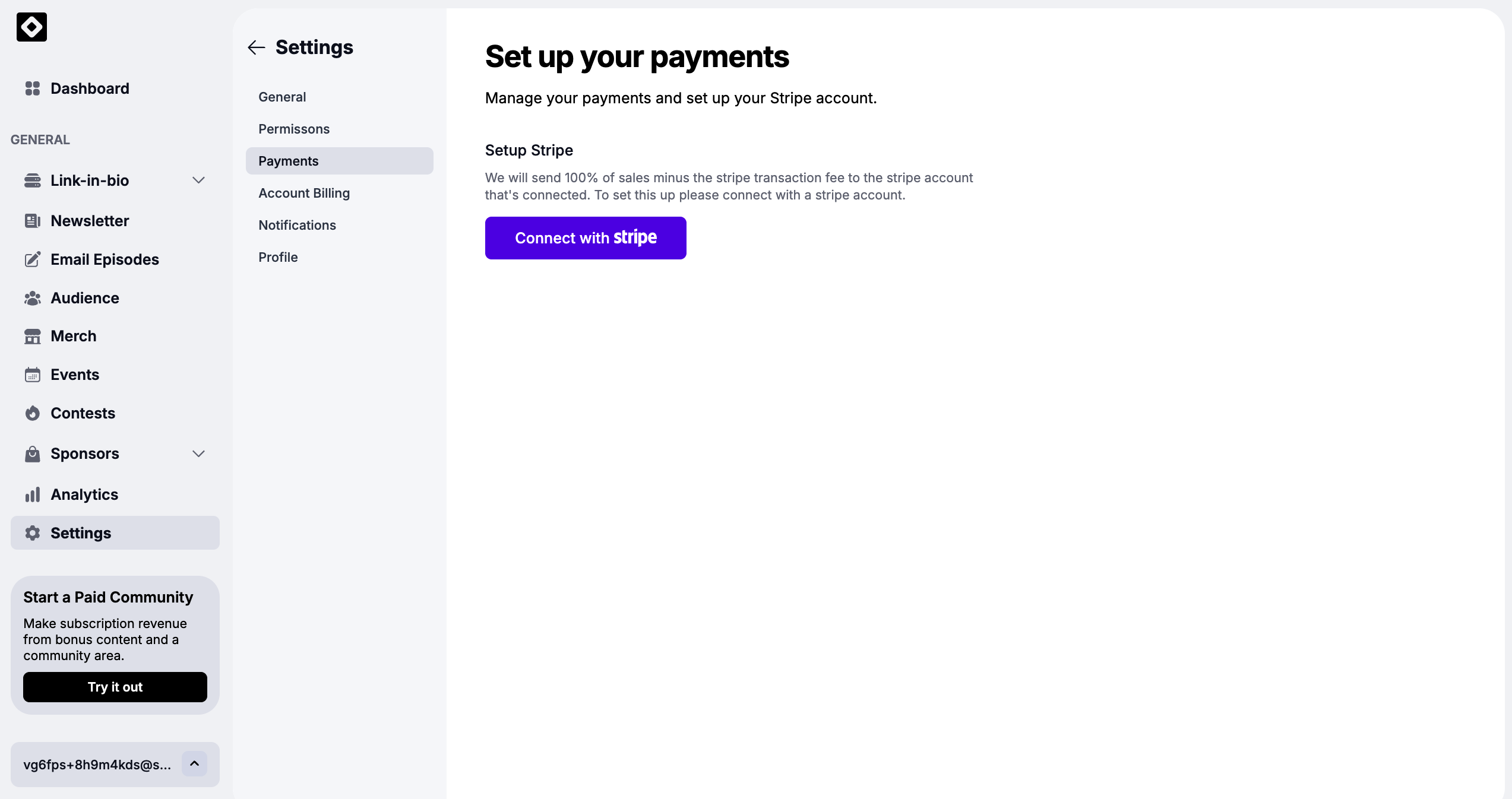
Go to Settings → Payments
Click Connect with Stripe
Log in to your Stripe account (or create one)
Complete the verification steps
Once connected, your payouts will flow directly to your Stripe account.
 Tip: Complete Stripe verification early to avoid delays in receiving funds.
These links help fans find you everywhere you publish content. They also appear on your Link-in-Bio and your Station profile.
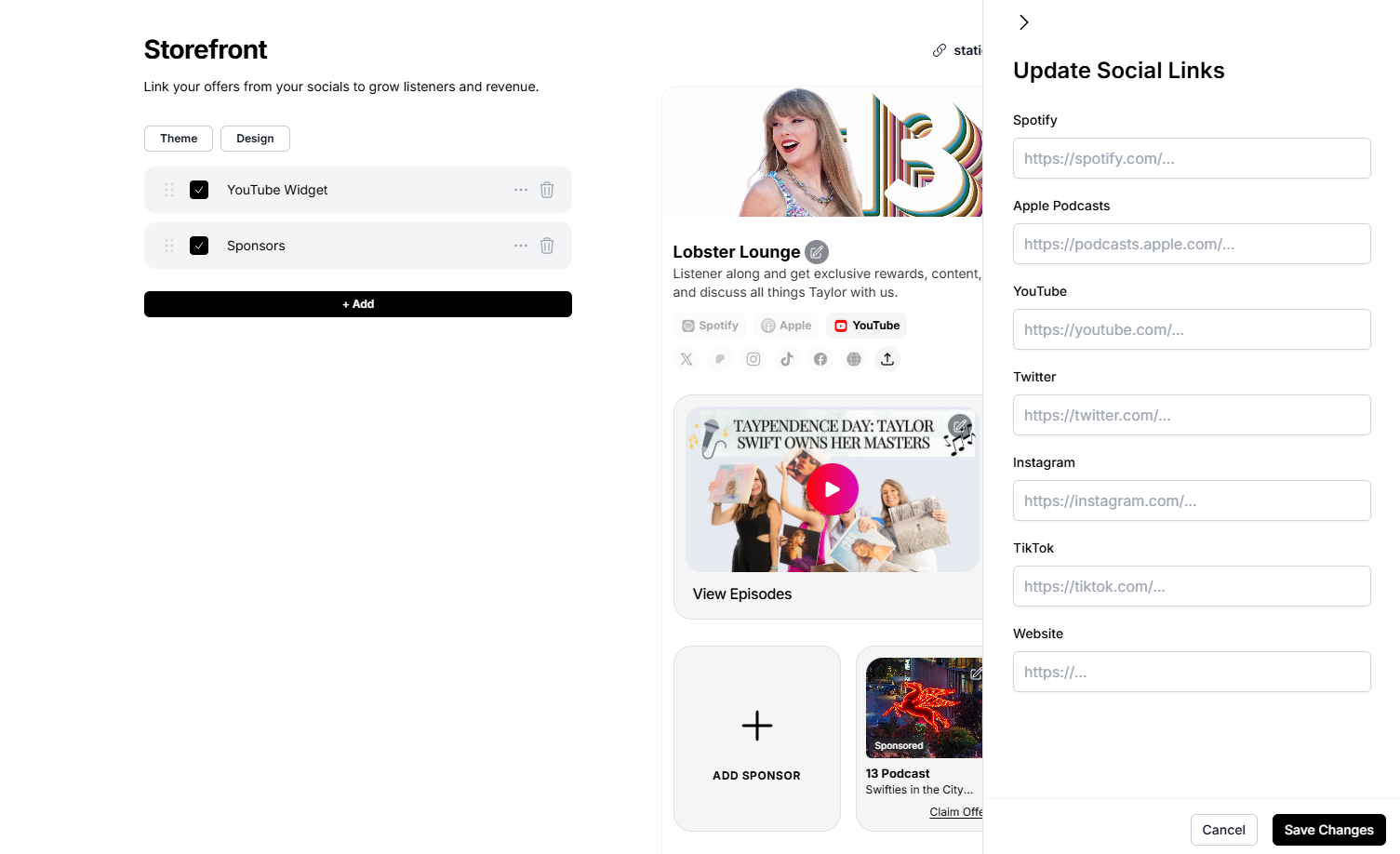
Go to Link in Bio from your dashboard
Click any platform icon (Spotify, Apple Podcasts, YouTube, Instagram, etc.)
Paste your link into the field
Click Save Changes
Spotify: your show’s Spotify page
Apple Podcasts: your show’s Apple listing
YouTube: your channel or show playlist
Instagram / TikTok / Twitter: social profiles
Website or external store: optional links you want fans to see
Your links will display instantly on your public page, making it easier for listeners to find you across platforms.