Learn how to create your Station account, connect your podcast show, and start building your creator page.
1. Go to station.page and log in.
2. If you don’t have an account yet, create one here.
3. Once logged in, click “Start Now” under Podcaster.
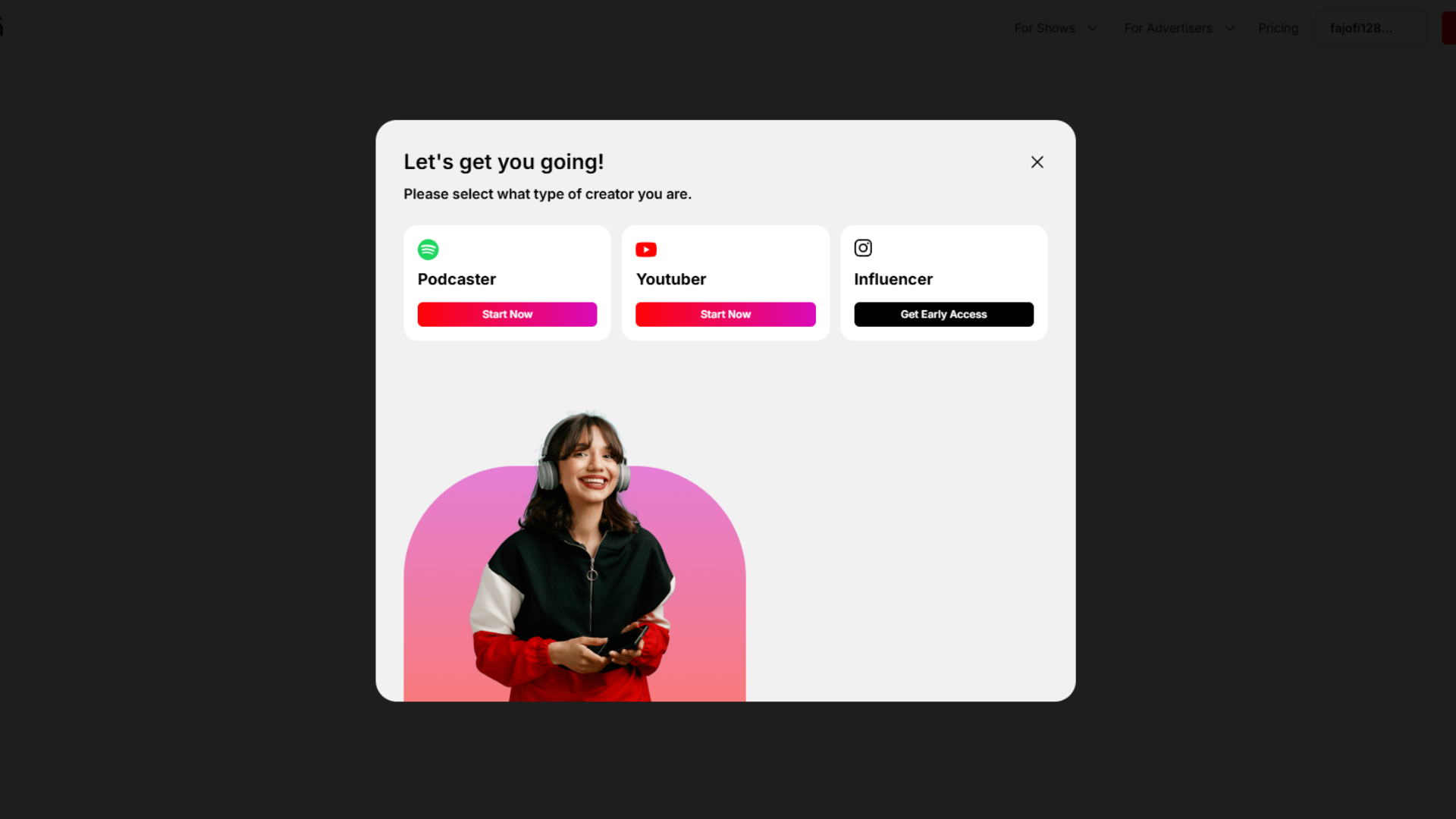
4. Claim your show by searching for your podcast, or manually connect your YouTube channel
Note: Make sure your podcast is public so Station can locate it automatically.

5. Pick your Station URL (this becomes your unique page link)
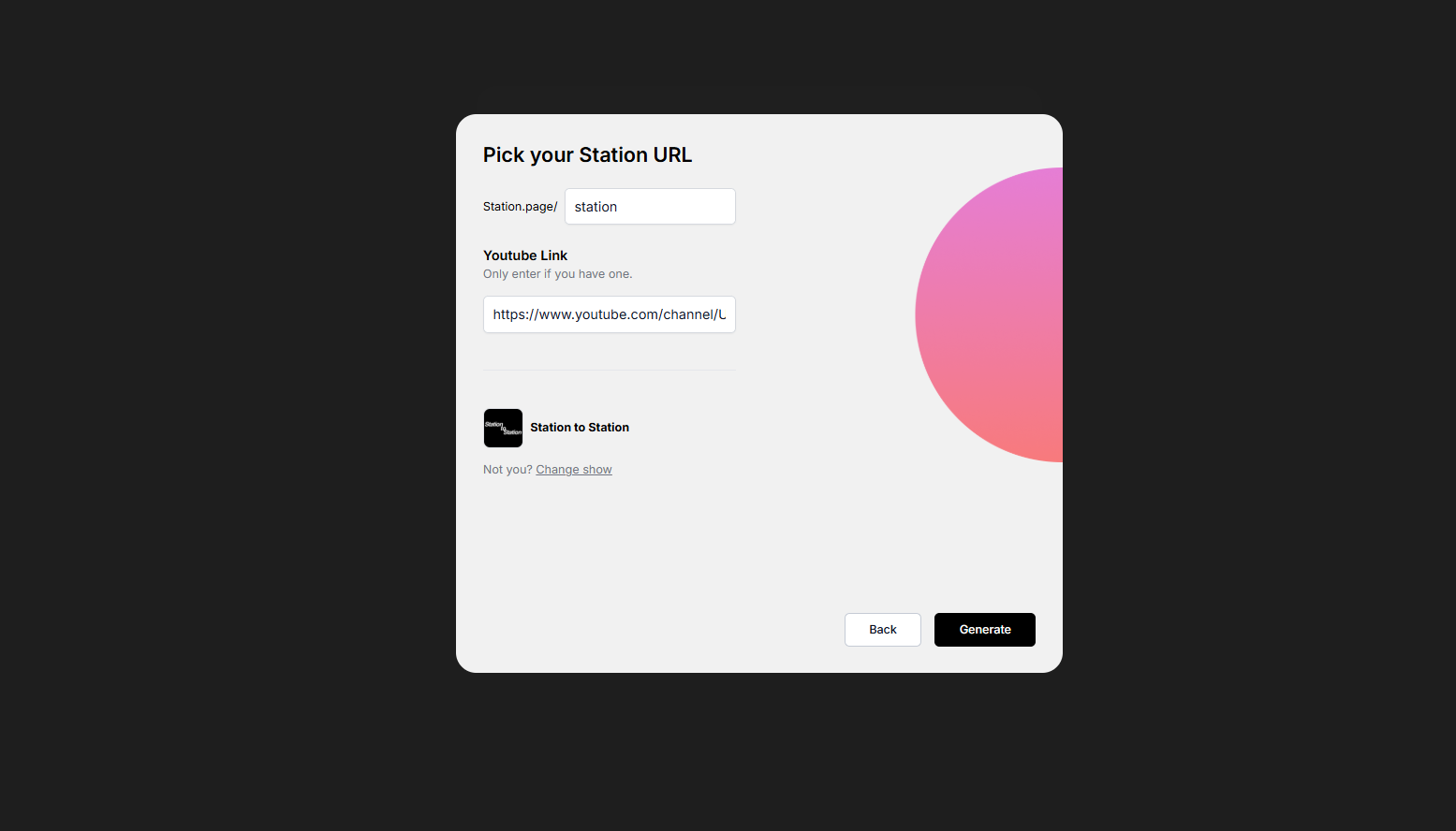
6. Wait for your Station to finish setting up
That’s it! Station will auto-import your episodes and create a page for your show.
From here, you can:
Customize your page
Add monetization tools (like merch!)
Invite your audience to join your Station community
Can’t find your show? Double-check that you input the correct name or/and try manually connecting it to your YouTube channel via link.
Need help? Contact Station Support
Learn how to use Navigate Your Dashboard to manage episodes, grow your audience, and start monetizing.